About Smartwatches and Running Apps
Ron’s Running Recommendations
Dec 11, 2025
On Smart Watches-
You do not need a smartwatch or expensive technology to run well or train effectively for a marathon.
I use a Garmin Forerunner 45 because it is accurate, simple, and reliable and syncs with many apps.
Apps- I use Nike Run Club (free) for long-term run history and Strava mainly for sharing and fun not because it improves my running. I use the Garmin App because that is the way the watch syncs to my phone and it does a good job of recording runs and other data.
Paid subscriptions and advanced metrics are optional and often unnecessary.
Technology can fail; training familiarity and race timing mats matter more than perfect GPS data.
If an app or device becomes frustrating or distracting, it is best to ditch it and keep running, don’t let it be a distraction.
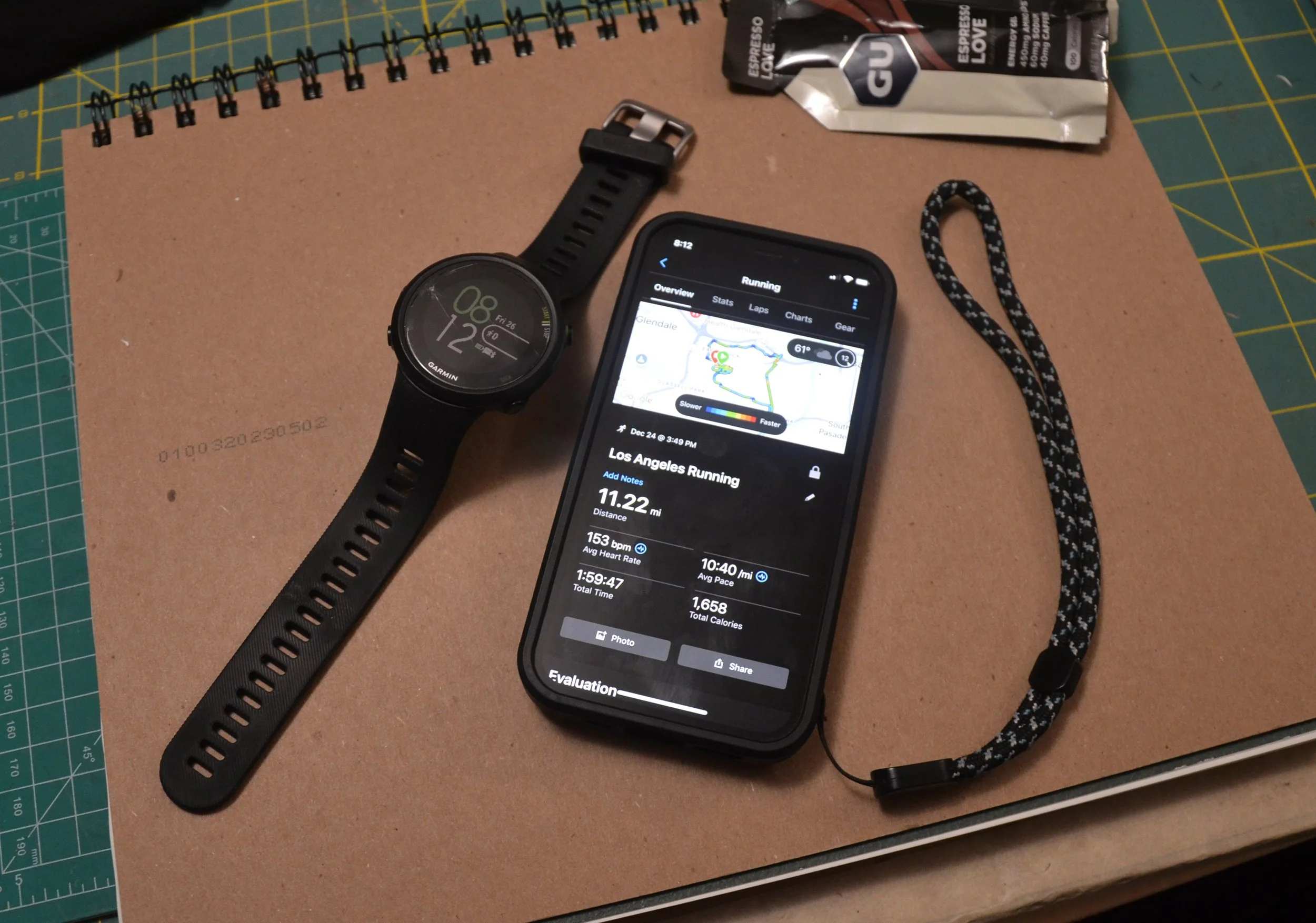
One does not need a smart watch to run, run well, and train effectively for a marathon. I spent years running and the only way I could mark my runs was by using my watch and my own distance calculations. There is something I miss about those days in terms of simplicity and being more engaged about how the stopwatch on my watch relates to the mile markers that I had to think about as I ran.
I currently use a smartwatch. The one I have used for over 2 years has been the Garmin Forerunner 45. I hate being guilty of propagating the notion that one “has to have” devices or expensive technology just to enjoy and train as a runner. This is not what I believe, but I do enjoy tracking my runs accurately.
Prior to my Garmin watch I tried to use my Fitbit, but the Fitbit does not have a good GPS, so that was useless. And before that I used my cellphone and the Nike Run Club Run app.
For years I ran and used my cellphone and logged all my runs with Nike Run Club. The app was good but there were times when it was not accurate and it was frustrating, but I still use the app.
When I got my Garmin watch I was amazed at the accuracy and ease of use. The watch does a great job of mapping runs and collecting other important data.
Of course, this data must be synced to an application on the phone.
I should also note that I wear a Fitbit full-time as my prime smartwatch, so I only use my Garmin watch when I’m going out for a run. This also means there is less wear and tear on my Garmin watch, but it’s another point of ridiculousness in that I am now wearing two smart watches when I run. So, I’m a total hypocrite when I say one does not need a smartwatch to run.
The problem is, I started using Fitbit in 2015, and I do like my Fitbit, but it’s not a good running watch and its information does not sync with other apps. Not so with Garmin. Garmin seems to do a good job playing nice and sharing information with many running apps.
Running Apps-
Even though I use a Garmin GPS watch, I still sync the watch with two other Apps on my phone, which starts to get ridiculous, because I’m also syncing with the Garmin app as well. That means 3 Apps to record all my runs!
How did I get into that mess?
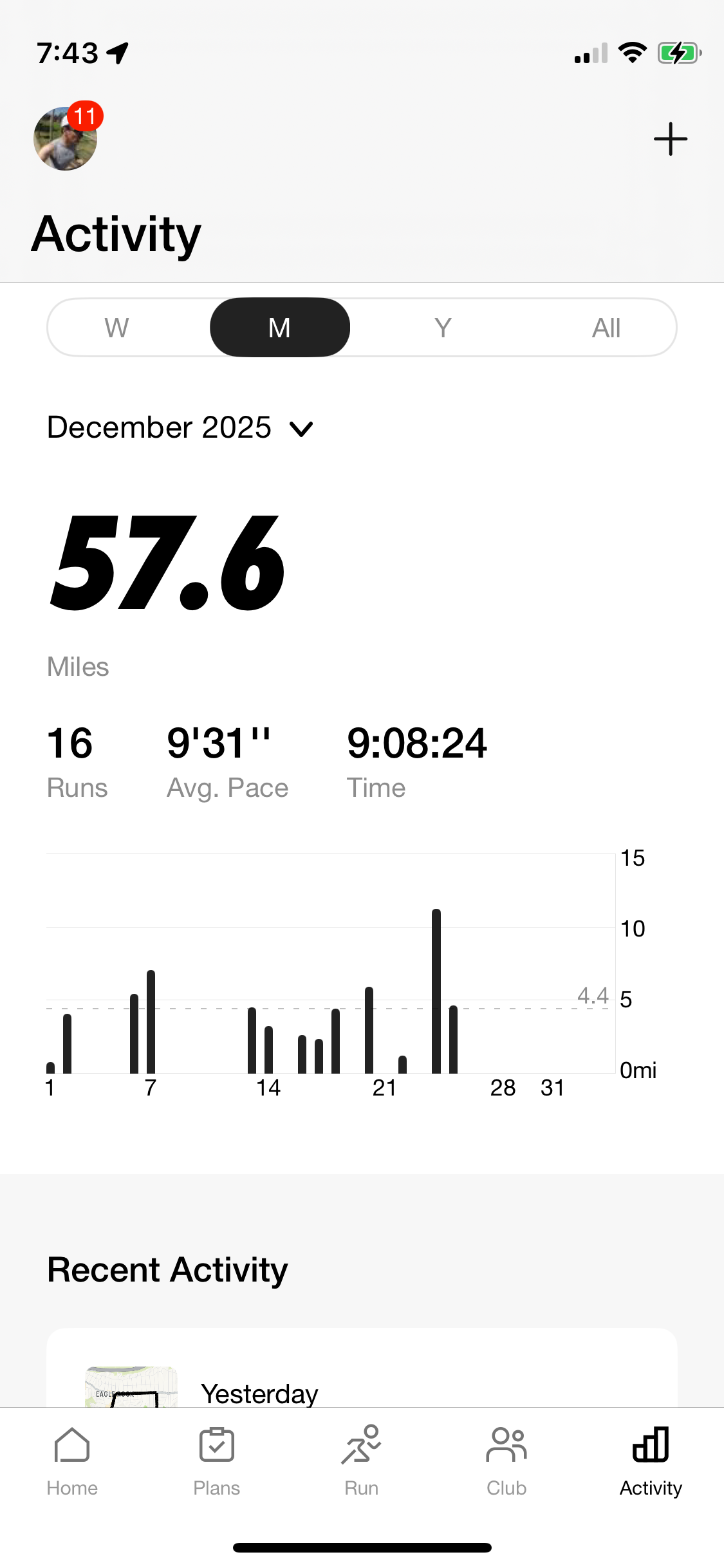
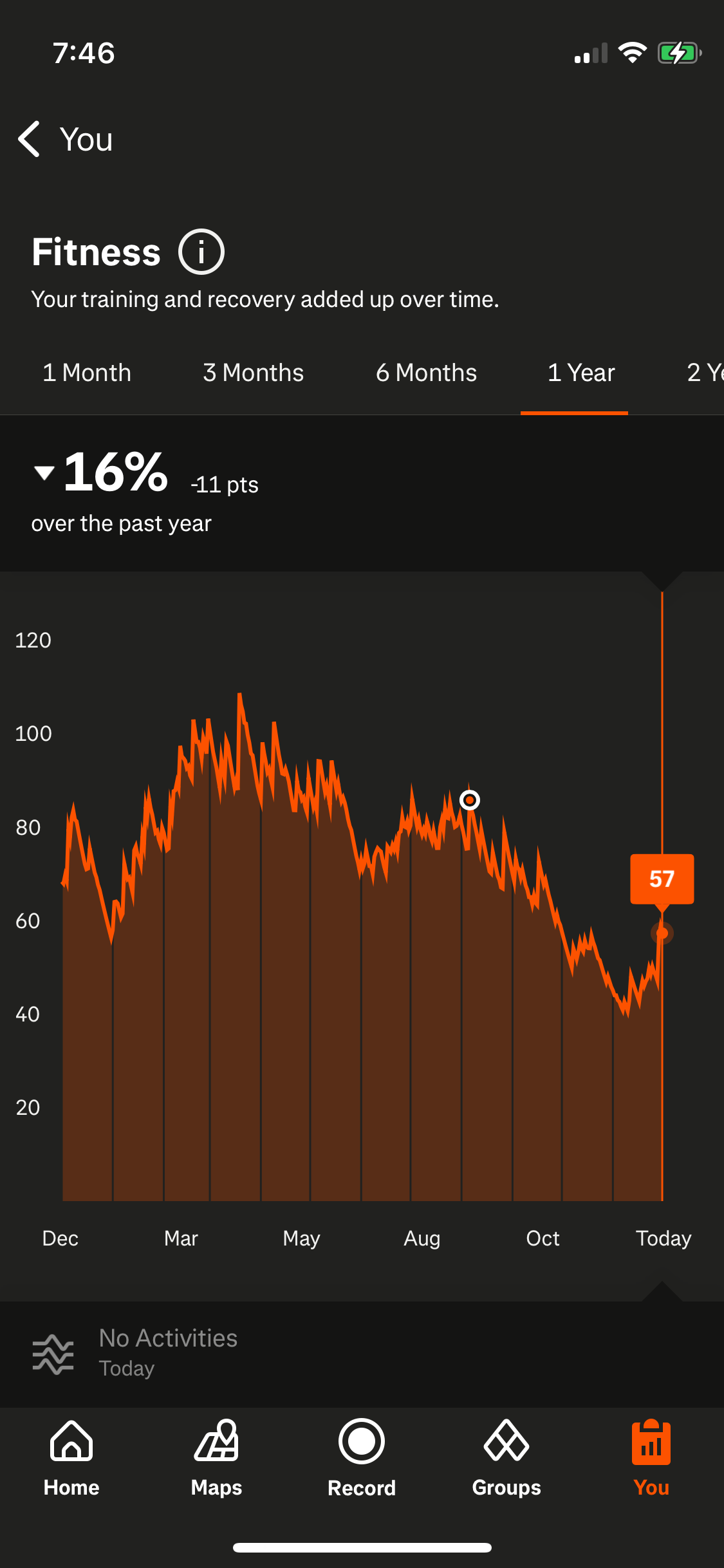
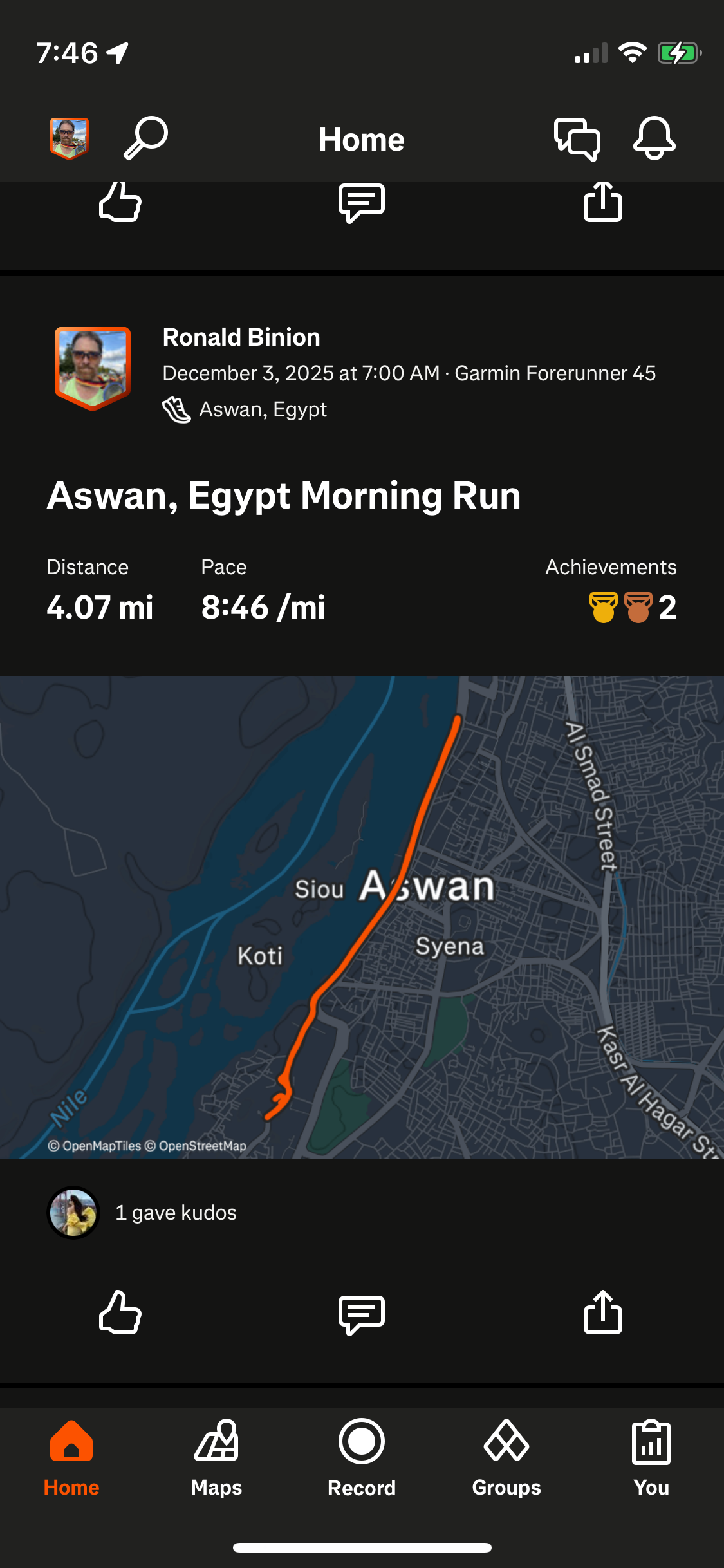
Nike Run Club
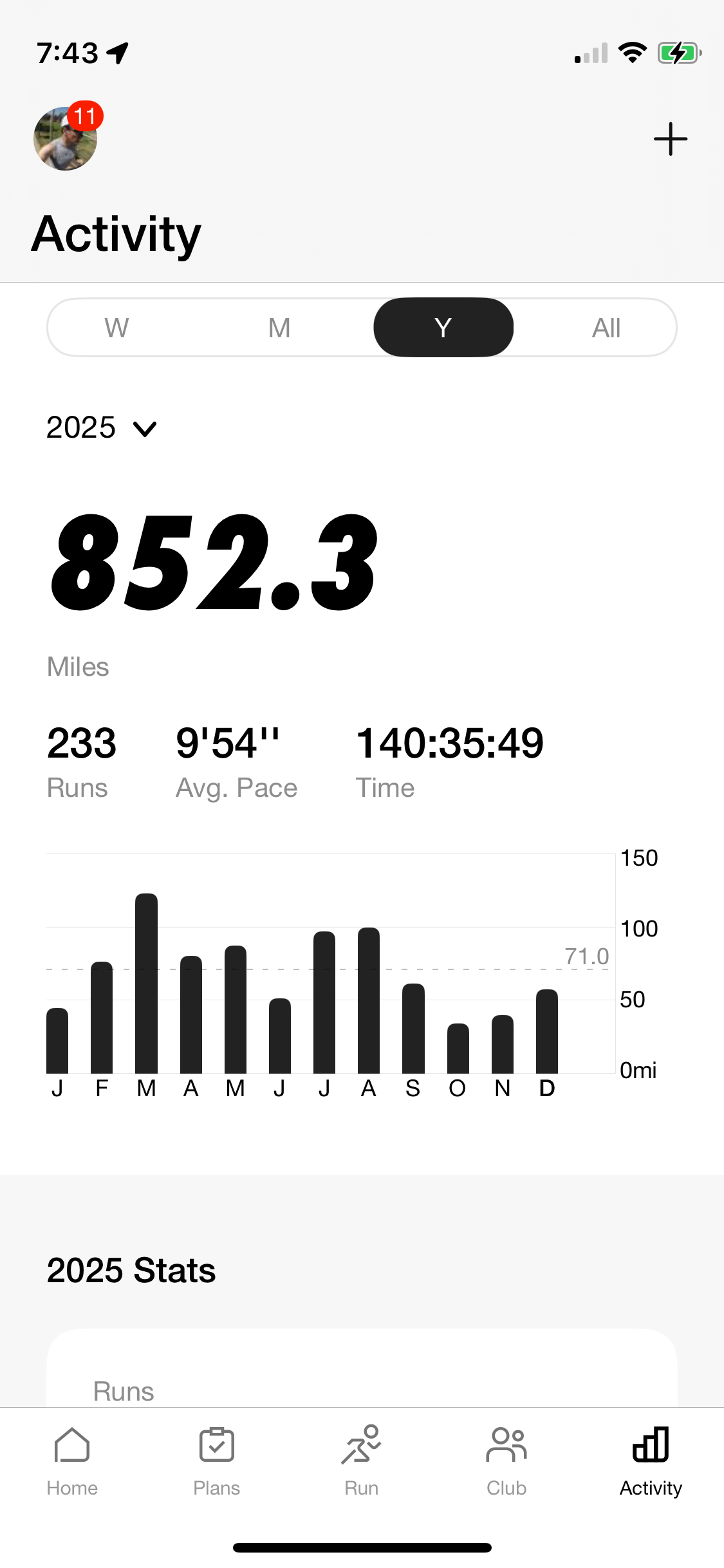
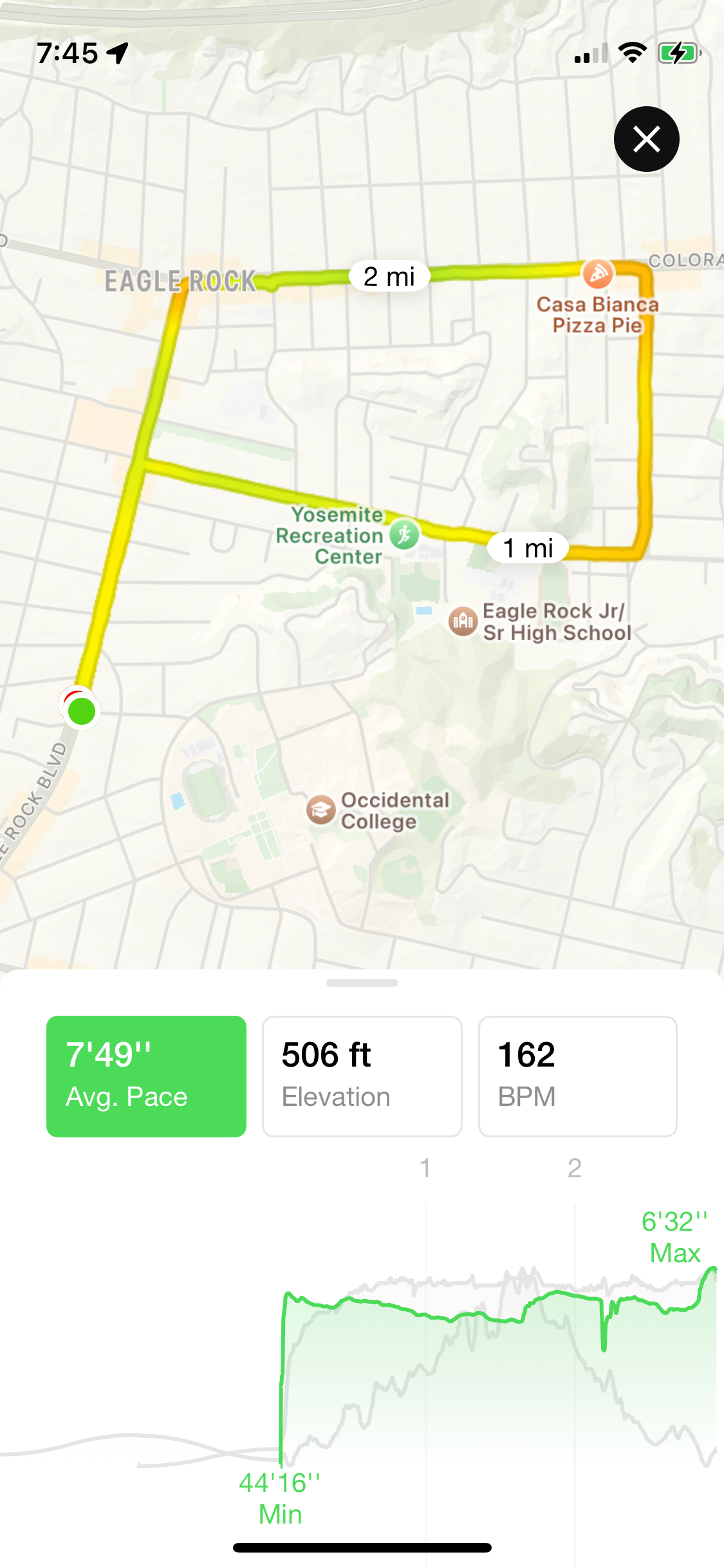
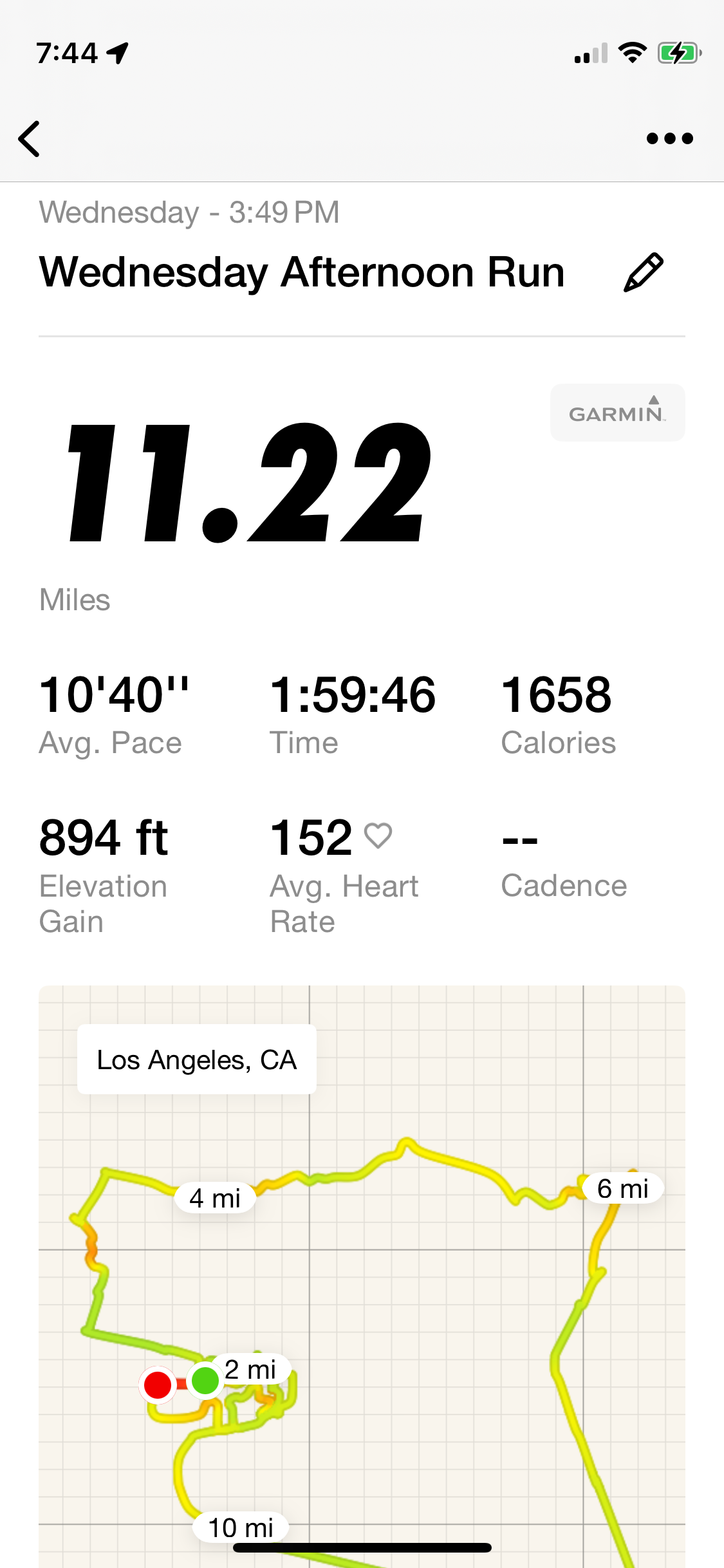
As I mentioned I started using the Nike Run Club App back in 2014, so with that app I have a record of all my runs for over 11 years. I like the app layout, the simplicity and the ability to quickly note my monthly progress, and it’s free. For whatever reason the app does not create annoying paywalls. There are some features like training programs that are unlocked with a subscription, but the app does not shove ads in one’s face. All the features that I like and use for tracking are part of the normal free app.
Garmin Connect
The Garmin App is necessary for the initial sync of the watch data to the phone. The Garmin watch does have a good user interface, but the watch is also intended to record tons of other information. Because I am still in love with my Fitbit, I don’t need my Garmin for the information that it could provide such as sleep date, Daily heart rate, etc. The Garmin app does do a nice job of displaying run information. What I don’t like is that it is not as easy as the Nike Run Club app to go back through my run history. The Garmin App is necessary and it’s good, but I still like going to other apps for a more focused look at my running.
I have not used them, but Garmin Connect does offer training plans. These do not require a paid subscription.
Strava
The third app I’ve been ratcheted up to using is Strava. This is a love/hate and unlike Nike Run Club and Garmin, this one is trying to coax users into subscriptions for all the exciting features. This is one that I would caution about treating as a must have, but Strava has also become the most popular sports tracking app, and it has its own social media component that is effective. Strava is the best way for runners to share their runs which may be important if one is trying to raise money for donations and trying to reach out to their donors to show their training efforts.
I am currently paying for a subscription, but that is because I do want to see some of their more detailed analysis of my runs. Is it vital and necessary? Absolutely not. Has this information improved my running and given me valuable insight? Not really. Do you need a subscription? I don’t think so.
Do you even need Strava? Not really, but it is still something I would advise looking at, experimenting with, but not be confused in thinking that it is necessary for proper training.
Strava does have training programs, but it is part of the subscription.
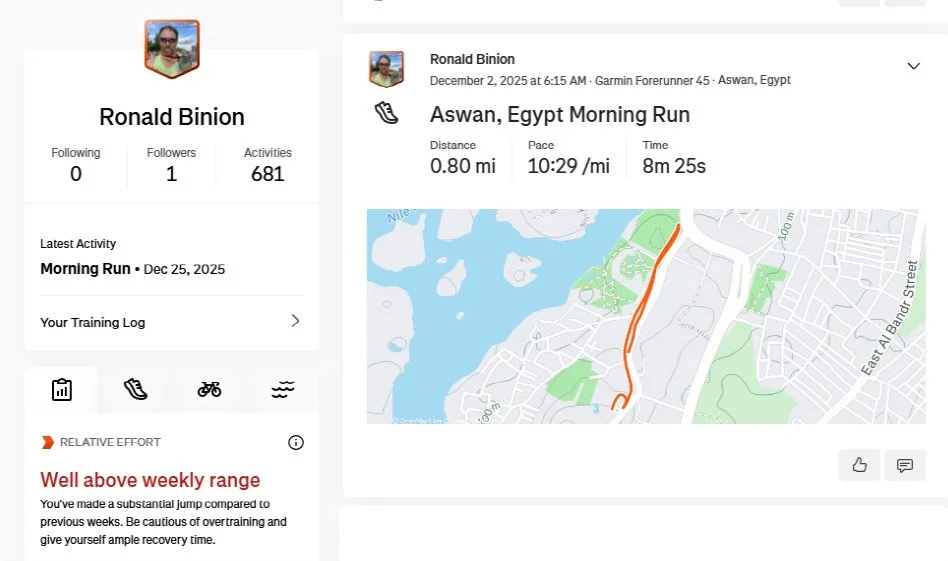
So many apps!
I know this is getting ridiculous, but I do think Nike Run Club and Strava are good apps to add to the Garmin watch ensemble. And I would encourage that if an app is not to one’s liking, then immediately ditch it, delete the app, account and all data.
I do love that, so far at least, Garmin does allow the most data sharing with these apps. A few months back Garmin was threatening that it was going to rescind it’s deal with Strava and turn off the syncing feature. There was a strong social media response of people holding their Garmin watches over trash cans, which I totally agreed with. The best feature of the Garmin watch is that it can sync to other apps.
99.8% of the time, I will synch my watch to the Garmin app, and when I open Strava, the mapped run is already there, which I love. There have been sometimes when the sync got messed up, and I had to go into my phone and reinstall one of the apps and redo the sync information, and it was fixed. My highest praise is just the reliability of the run mapping and syncing.
With all that said, should someone look at a more expensive Garmin watch? No. Definitely not. I’m so happy with what the Garmin 45 does, the configuration and even the weight of the watch. I would not want a bulkier, more expensive watch that is doing far more than I would never need to just map my runs.
What about other running apps?
I have tried other running apps like MapMyRun (Under Armour) which promised more training modules, but for whatever reason the user interface didn’t click with me, and I resented the pressure to spend on expensive training modules that the app was pushing.
There are also:
· Runkeeper (by ASICS)
· Runna
Online training that is not connected to a running app.
If one is looking for training programs and avoiding a subscription or paywall here are some great resources:
· Hal Higdon (Free online)
· Jeff Galloway run/walk plans (Free online)
· Runner’s World free plans
These can be printed or followed manually, and many runners — especially new ones — appreciate the simplicity and clarity of a written plan.
Real World Reality
Has my running smartwatch let me down? Yes. Was it user error? Probably.
My first experience with run-mapping and an app was with Nike Run Club. For a few years I would just open my phone, open the app, hit go, and record my run with pretty good accuracy.
Then they did an upgrade, and the app would freeze. I got a new phone. Same thing. Then it got a little better. But I did some LA Marathons where I had it turned on for the length of the marathon and something went wrong and it did not record the whole effort. Frustrating.
I tried to use my Fitbit which technically has a GPS, but it was never accurate, so I was very happy when I got my Garmin a few years ago and I was accurately recording all my runs.
However, there are some ways that are easy to goof. One is that there is a setting that does automatically pause the tracking if one stops moving, which is great. It will automatically start tracking once it detects movement again. But there were times when I stopped for a drink, hit pause, and then started running and forgot to push the resume button.
It’s an easy mistake, and one can think it’s easy to avoid…but in the moment of running this is just something that happens. So, you look down at the watch 20 minutes later and it’s still paused.
Last year I ran 5 marathons and during one of those marathons I did the same thing I always do, I just started my watch when the race started, but somewhere along the way it paused and stopped tracking. I don’t know what happened. I don’t know if it lost GPS signal. But I lost track for about 6 miles and had to stop tracking and start a new record. It was frustrating, but on the grand scheme of things it’s trivial.
This is why training is so important, I use my watch for all my training, and I am very familiar with how my watch works, so It’s annoying when something happens during a full marathon that defeats the smooth tracking. The solution is sort of simple. Press the start button crossing the starting line, then in about 30 seconds just look down to confirm it’s tracking and going, then forget about it until the first water station, check that it’s tracking, pause if you need, but after hitting resume, just check the watch again after 30 seconds to see that it’s resumed. With this procedure it will ensure that a “resume tracking” failure won’t lose miles of data.
All technology can have hiccups, and it can be annoying, especially on an important day like a marathon it is reasonable to want to record and document the effort. I’d say about 10% of my marathon tracking has gotten messed up for one reason or another. It is frustrating, it does happen, and the only solution is to figure out what works in training and test it out with shorter races like half-marathons. And if it does mess up recording just manage the disappointment and remember that the real tracking is crossing the timing mats at the race.